
A lead generation landing page should help the right visitor understand an offer and take a clear next step. That step might be requesting a consultation, sending a project brief or asking for a quotation. The page works best when its message, evidence and enquiry process all support the same request.
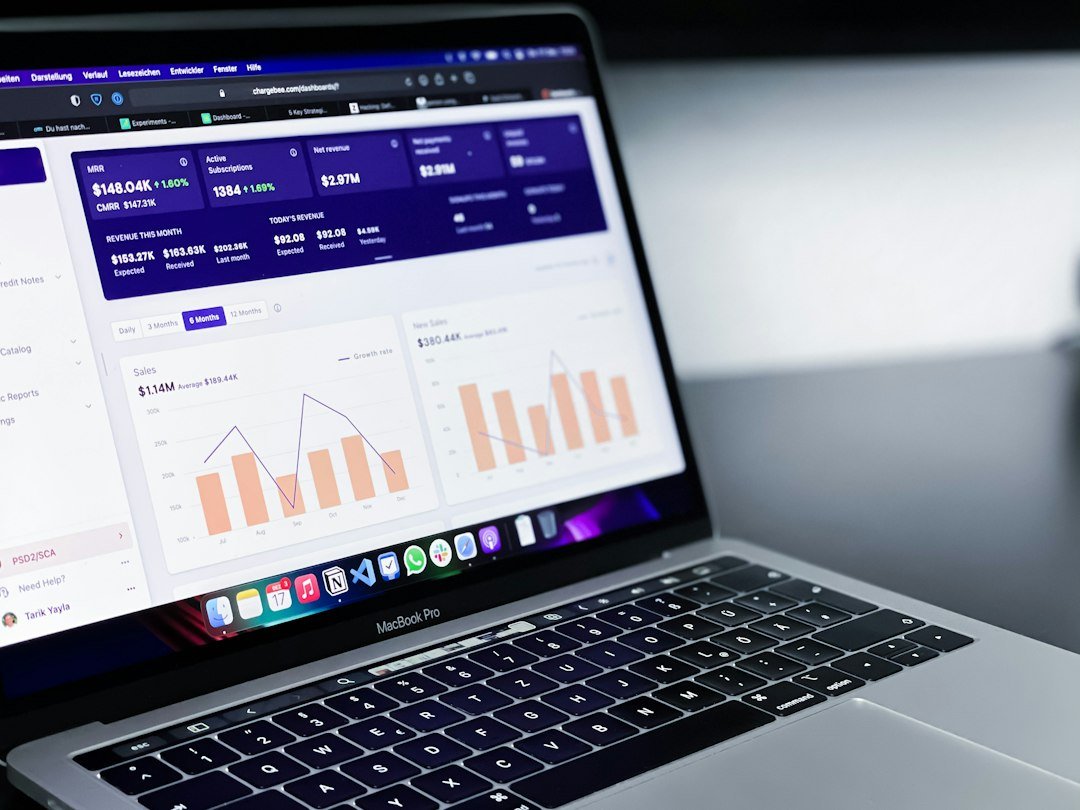
Illustrative photograph by path digital on Unsplash.
Before changing colours or button labels, define who the page is for and what happens after someone responds. This checklist focuses on service businesses that need qualified enquiries rather than a larger count of unexplained clicks.
1. Choose one offer and one primary action
Write a one-sentence brief: “This page helps [audience] evaluate [service] and request [next step].” If the sentence includes five services and several unrelated audiences, narrow the brief. Visitors should not have to work out which part of your business the page is promoting.
An illustrative offer might be a review of an existing online store. Its primary action could be submitting the store URL and the main problem for an initial discussion. Do not describe the action as a free audit unless you actually provide one on those terms.
2. Match the message that brought the visitor
Read the advertisement, social post, email or search listing beside the landing page. If the message promises help with a specific store problem, the opening should address that problem. A general welcome paragraph can leave visitors unsure whether they reached the right place.
For paid search, Google describes landing-page relevance and usefulness as part of its Quality Score diagnostic. That diagnostic is not a business outcome or a guarantee of enquiries. Use the practical lesson: make the arrival experience consistent with the promise that earned the click.
3. Explain the offer before asking for details
Near the beginning, answer four questions: what is the service, who is it for, what will be discussed or delivered, and how does someone start? Use specific descriptions instead of “grow your business” without explaining the work.
For the hypothetical store review, distinguish a discussion of product-page problems from hands-on implementation. If scope and pricing are agreed later, say so plainly. Clear boundaries help visitors decide whether the next step is appropriate.
4. Show proof that can be checked
Use relevant examples, a documented process, approved client feedback or genuine work samples. Explain your role in a project rather than implying that you delivered every part of it. When results depend on several contributors or a particular time period, provide that context.
A new service can explain its method and show a clearly labelled sample deliverable. It does not need invented testimonials or unsupported performance numbers. The purpose of proof is to reduce uncertainty about the work, not to decorate the page with impressive claims.
5. Answer the objections that delay enquiries
Collect the questions people ask before agreeing to a call. They may concern suitable business size, platform access, deliverables, confidentiality, timing or what information to prepare. Answer only what you can state accurately for the actual offer.
- Who is this service suitable for?
- What information is needed for the first conversation?
- What is included and what requires a separate agreement?
- How are scope, timing and fees confirmed?
- What happens after the enquiry is submitted?
Keep these answers close to the decision they support. For example, explain why a store URL is requested near the form, instead of hiding that information in a long FAQ at the bottom.
6. Ask for information you will use
Review each field and name the decision it supports. A name and reply address may be essential; a detailed revenue breakdown may be unnecessary for an initial discussion. Make optional fields visibly optional and explain any unusual request.
A useful starting point for a project enquiry is contact information, the website URL if relevant, and a short description of the problem. Add qualification fields when the business will actually use the answers. Fewer fields are not automatically better if they remove information needed to respond usefully.
7. Make the action and next step explicit
Use a button label that describes the action, such as “Request a project discussion.” After a successful submission, confirm what happened and explain the next step. Only state a response time when the team can realistically meet it.
If the button opens WhatsApp, tell visitors that they still need to send the message there. Opening a chat window does not mean the business has received an enquiry. The same distinction applies to opening an email application.
8. Test the page on mobile and with a keyboard
Complete the journey on a phone: read the opening, inspect the offer, open supporting information and submit a test enquiry. Check that large images, sticky bars or pop-ups do not cover the form or its error messages.
Move through the form using a keyboard as well. Fields need clear labels, a visible focus indicator and understandable validation. Deliberately leave a required field empty, then correct it. A success message should not appear when the submission has failed.
9. Verify delivery and measurement separately
Send a clearly marked test enquiry and confirm it reaches the expected inbox or destination. Record whether the person responsible can identify the service requested and reply using the supplied information. This operational check matters even when the analytics dashboard shows an event.
Use the GA4 lead-tracking guide to distinguish completed enquiries from form starts, call-button taps and WhatsApp clicks. Track lead quality separately from click activity so a busier page does not hide a weaker sales pipeline.
10. Improve one meaningful problem at a time
Choose a test based on an observed issue: unclear scope, repeated questions or form failures. Record the change and compare an appropriate period while noting traffic-source changes. Small traffic samples can fluctuate sharply, so avoid declaring a winner after a few visits.
Connect the page to your digital marketing strategy. For help aligning the offer, page and enquiry journey, review digital marketing services and share your project brief.
Frequently asked questions
Does a landing page need to be short?
It needs enough information for the decision. A simple enquiry may need little explanation, while a complex service needs scope, evidence and answers to common questions. Remove repetition before removing useful detail.
Should I offer both a form and WhatsApp?
You can if both channels are maintained and clearly explained. Choose a primary action and make the alternative easy to understand without presenting competing promises.
Is a button click a lead?
It is evidence of an interaction. Count it separately unless your measurement confirms that the enquiry was completed or received.
For visitors arriving through educational articles, the internal linking guide explains how to create a relevant route to the offer.